

Low-code vs No-code: Key Differences
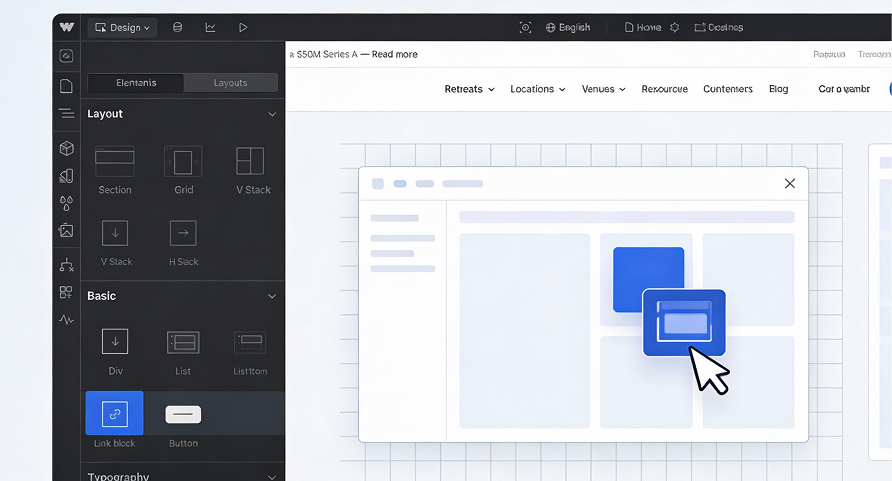
Low-code vs no-code? These two approaches are changing the way digital tools and applications are built. By reducing the need for traditional development, they allow teams to move faster, work more independently, and bring ideas to life with less time, cost, and friction.
But choosing between low-code and no-code isn’t as simple as it sounds. While the terms are often used interchangeably, they actually cover very different realities each with its own use cases, flexibility, and technical trade-offs.
So how do you know which one is right for your business? Let’s break down the key differences and help you choose the approach that truly matches your needs.
1. What is no-code?
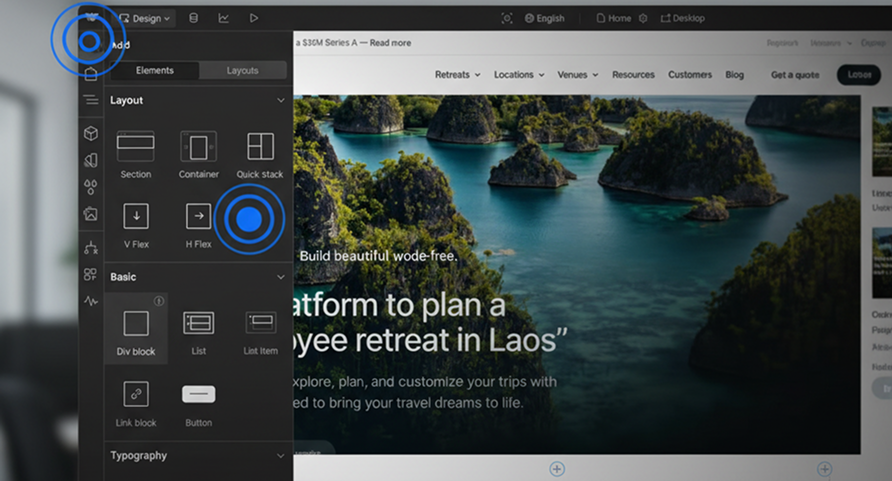
No-code platforms allow users to create applications without writing any code. Everything is handled through visual interfaces, drag-and-drop components, and predefined logic blocks.
Key characteristics of no-code platforms
- 100% visual development
- Designed for non-technical users
- Fast time-to-market
- Limited customization for complex logic
Typical no-code use cases
- Simple websites and landing pages
- Internal tools (forms, dashboards, workflows)
- MVPs and prototypes
- Automation between apps
Examples: Webflow, Bubble, Airtable, Notion, Zapier.
👉 Further reading : Automate with zapier: manage your tasks without code
2. What is low-code?
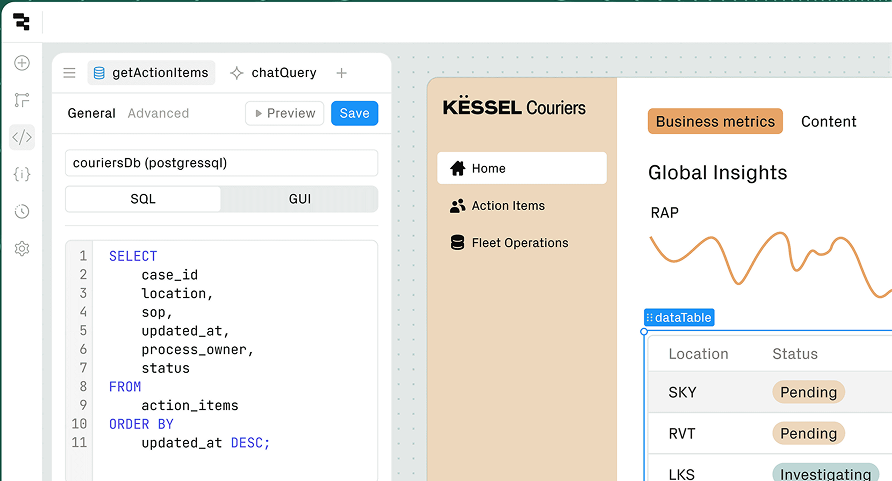
Low-code platforms combine visual development with the ability to write custom code when needed.
They offer more flexibility and scalability while still accelerating development.
Key characteristics of low-code platforms
- Visual builder with code extension
- Requires basic technical knowledge
- Greater customization and performance control
- Better suited for complex systems
Typical low-code use cases
- Business applications
- Scalable web platforms
- Complex workflows and integrations
- Enterprise systems
Examples: OutSystems, Mendix, Retool, Power Apps.cesses.
3. Low-code vs no-code: key differences
Target users
- No-code: marketers, product managers, HR, operations
- Low-code: developers, technical teams, hybrid profiles
Flexibility and customization
- No-code is limited to platform capabilities
- Low-code allows custom logic and integrations
Scalability
- No-code works well for small to medium projects
- Low-code supports larger, long-term systems
Maintenance and performance
- Low-code offers better performance optimizations oublis.
- No-code depends heavily on the platform
4. Choosing between low-code and no-code
The right choice depends on your business goals, technical resources, and scalability needs.
Choose no-code if:
- You need speed and simplicity
- Your project is lightweight or short-term
- You have little or no technical resources
Choose low-code if:
- You need customization and scalability
- Your project involves complex logic or data
- You want more control over performance
💡 In many cases, companies use both approaches together.
5. Business impact of low-code and no-code platforms
Both approaches help organizations:
- Reduce development costs
- Shorten delivery timelines
- Improve collaboration between teams
- Encourage innovation and experimentation
However, the wrong choice can lead to technical debt or platform limitations , which is why strategic thinking matters.
6. DevUps and low-code / no-code strategies
At DevUps, we help companies assess, select, and implement low-code and no-code solutions aligned with their growth strategy.
Our expertise includes:
- Platform comparison and selection
- Architecture and scalability planning
- Integration with existing systems
- Governance and security best practices
🎯 Goal: empower teams without sacrificing performance or control.
At DevUps, we help companies design and implement HR process automation tailored to their organization.
Conclusion
Low-code vs no-code is not about choosing the “best” tool , it’s about choosing the right approach.
When used strategically, both can accelerate innovation and unlock new business opportunities.
At DevUps, we believe technology should adapt to your organization , not the other way around.
👉Need help choosing between low-code and no-code? Contact DevUps for expert guidance
Latest Insights and Tips
Start building your digital ecosystem today. Get in touch with our team to discuss your project.

Automatically connect your CRM to your emails
March 4, 2026
Automatically connecting your CRM to your emails has become essential for businesses looking to save time, improve customer tracking, and…

Which tools to use for an effective digital audit
February 23, 2026
Conducting an effective digital audit is a critical step to understand the overall performance of your online presence. Before optimizing…

Digital onboarding: How to successfully welcome a new employee
February 16, 2026
Digital onboarding has become a strategic priority for organizations looking to successfully integrate new employees, especially in hybrid and remote…
Build a Strategic Editorial Calendar
February 9, 2026
Building a strategic editorial calendar is now essential for managing digital communication effectively. In an environment where content channels are…

Automating HR Processes: Concrete Use Cases
January 20, 2026
HR process automation has become a strategic lever for companies looking to gain efficiency, reduce operational costs, and improve the…

How to choose the right collaboration tools for a high-performing team
January 13, 2026
In a professional environment where hybrid work, remote collaboration, and cross-functional teams have become the norm, choosing the right collaboration…