

Automatically connect your CRM to your emails
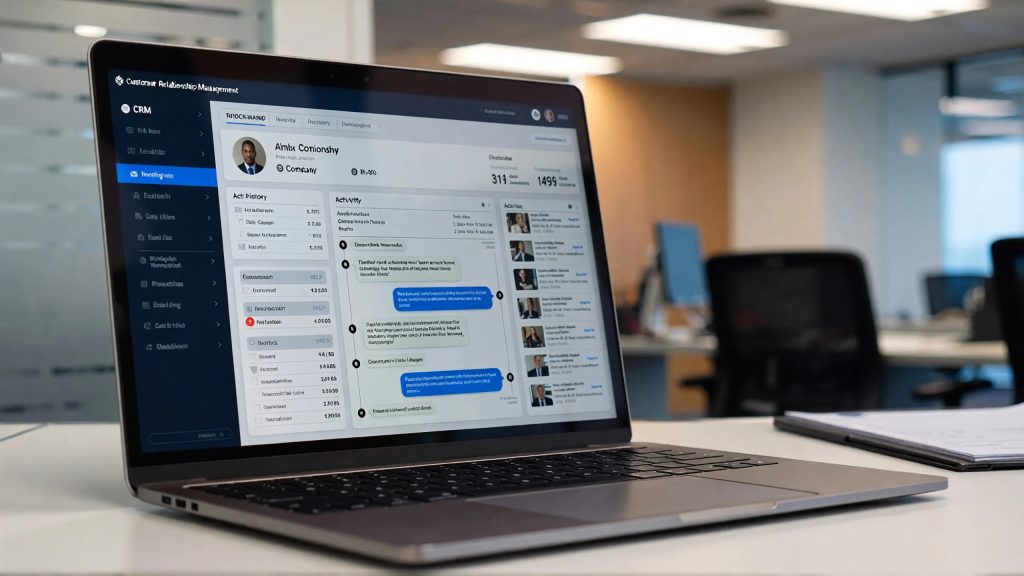
Automatically connecting your CRM to your emails has become essential for businesses looking to save time, improve customer tracking, and centralize client data. Too often, email exchanges remain isolated in inboxes, limiting visibility and team efficiency.
Automating the connection between your CRM and emails helps structure client relationships, prevent information loss, and optimize every interaction.
1. Why Automatically Connect Your CRM to Emails
Sales and marketing teams exchange hundreds of emails daily. Without synchronization:
- Conversations remain fragmented
- Prospect tracking becomes complex
- Data stays scattered
- Team collaboration suffers
Connecting your CRM to your emails automatically allows for:
- A complete history of interactions
- Better pipeline management
- 360° view of each client
- Improved coordination between teams
It’s a direct lever for operational efficiency.
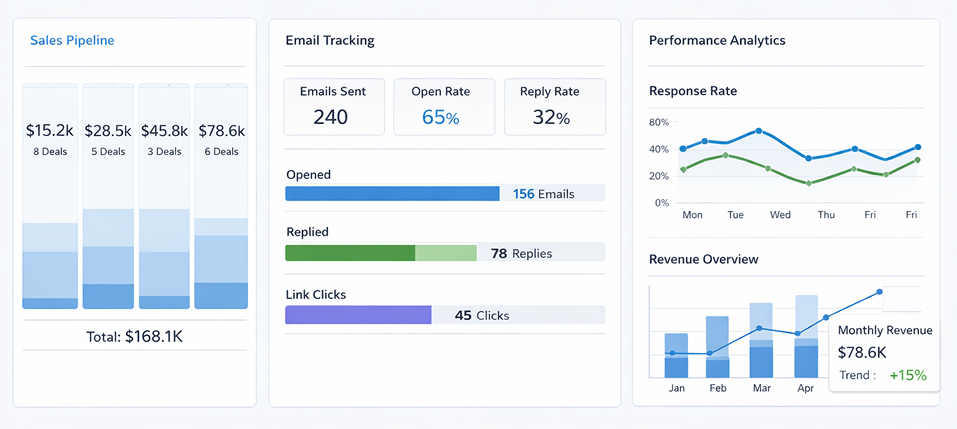
2. Benefits for Sales Teams
Centralized Data
Every sent or received email is automatically linked to the relevant contact or company record in the CRM.
Time Savings
No more manual copy-pasting—repetitive tasks are automated.
Better Opportunity Tracking
Follow-ups, email opens, and interactions are tracked, improving prospect management.
3. How to Automatically Connect Your CRM to Emails
There are several methods depending on the tools you use:
Native Integration
Many CRMs offer direct synchronization with Gmail or Outlook.
Connectors and Automation
Tools like Zapier or Make (Integromat) create automated workflows between your email and CRM.
Email Extensions
Some extensions add CRM functionalities directly to your email interface.
The choice depends on your digital ecosystem and technological maturity.
👉 Read more : Build a Strategic Editorial Calendar
4. Key Considerations
Even though automating your CRM-email connection offers many advantages, it’s important to:
- Ensure GDPR compliance
- Secure access controls
- Define clear data management rules
- Avoid information overload
Automation should remain controlled and strategic.
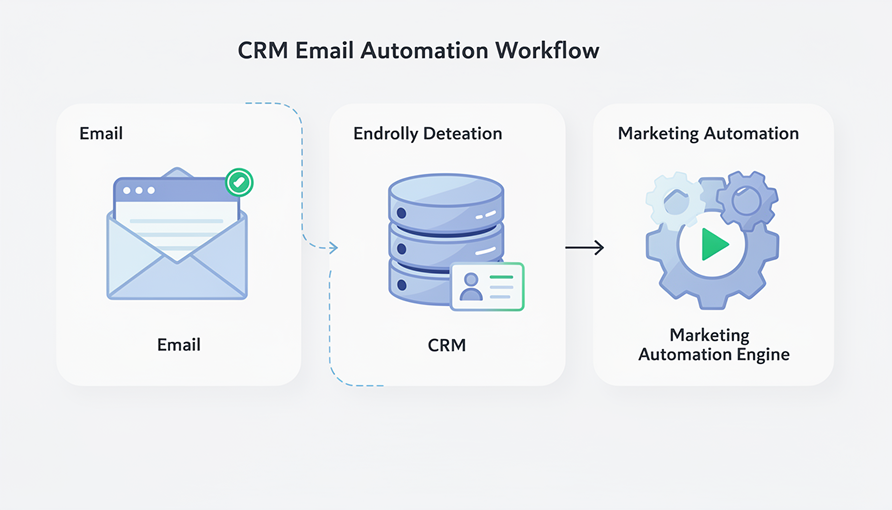
5. Automation and Marketing Performance
Beyond sales tracking, connecting your CRM to emails enables:
- Contact segmentation based on interactions
- Triggering automated campaigns
- Personalizing messages at scale
- Measuring email performance
It’s a key component of a successful marketing automation strategy.
6. DevUps and CRM Integration
At DevUps, we support businesses with:
- Choosing the right CRM
- Setting up automation workflows
- Integrating email tools
- Optimizing processes for efficiency
Automatically connecting your CRM to emails is not just a time-saver—it’s a growth accelerator.
Conclusion
Automatically connecting your CRM to emails centralizes information, improves collaboration, and optimizes client follow-up. In today’s digital environment, smart automation is a strategic advantage.
The question is no longer “Should you connect your CRM to your emails?” but “How can you do it efficiently?”
👉 Need help ? Contact DevUps
Latest Insights and Tips
Start building your digital ecosystem today. Get in touch with our team to discuss your project.

Which tools to use for an effective digital audit
February 23, 2026
Conducting an effective digital audit is a critical step to understand the overall performance of your online presence. Before optimizing…

Digital onboarding: How to successfully welcome a new employee
February 16, 2026
Digital onboarding has become a strategic priority for organizations looking to successfully integrate new employees, especially in hybrid and remote…
Build a Strategic Editorial Calendar
February 9, 2026
Building a strategic editorial calendar is now essential for managing digital communication effectively. In an environment where content channels are…
Low-code vs No-code: Key Differences
January 26, 2026
Low-code vs no-code? These two approaches are changing the way digital tools and applications are built. By reducing the need…

Automating HR Processes: Concrete Use Cases
January 20, 2026
HR process automation has become a strategic lever for companies looking to gain efficiency, reduce operational costs, and improve the…

How to choose the right collaboration tools for a high-performing team
January 13, 2026
In a professional environment where hybrid work, remote collaboration, and cross-functional teams have become the norm, choosing the right collaboration…